
How to Pay with Telegram Stars
Payment takes 30 seconds and works with any card via Apple Pay, Google Pay, or by entering your card details. If anything is unclear — the short video below will show the whole process:
🎯 How to buy credits:
- Open a package in the bot and tap “Pay”
- Telegram will automatically open the payment window
- Choose a payment method: card, Apple Pay, or Google Pay
- Confirm — and the credits will be added to your account automatically ✨
We accept all major cards: Visa, Mastercard, Mir. It works in any country where Telegram is available.
⚠️ Important to know (if something went wrong)
When you pay by card, technically you are buying Telegram Stars — Telegram’s internal currency, like coins in games. Then our bot exchanges those Stars for credits.
In 99% of cases, this happens automatically and instantly — you won’t notice anything. But sometimes Stars are added to your balance, while the exchange for credits does not happen immediately.
❓ “I paid, but there are no credits on the site”
Check step by step:
- Wait 1–2 minutes — sometimes there is a small delay
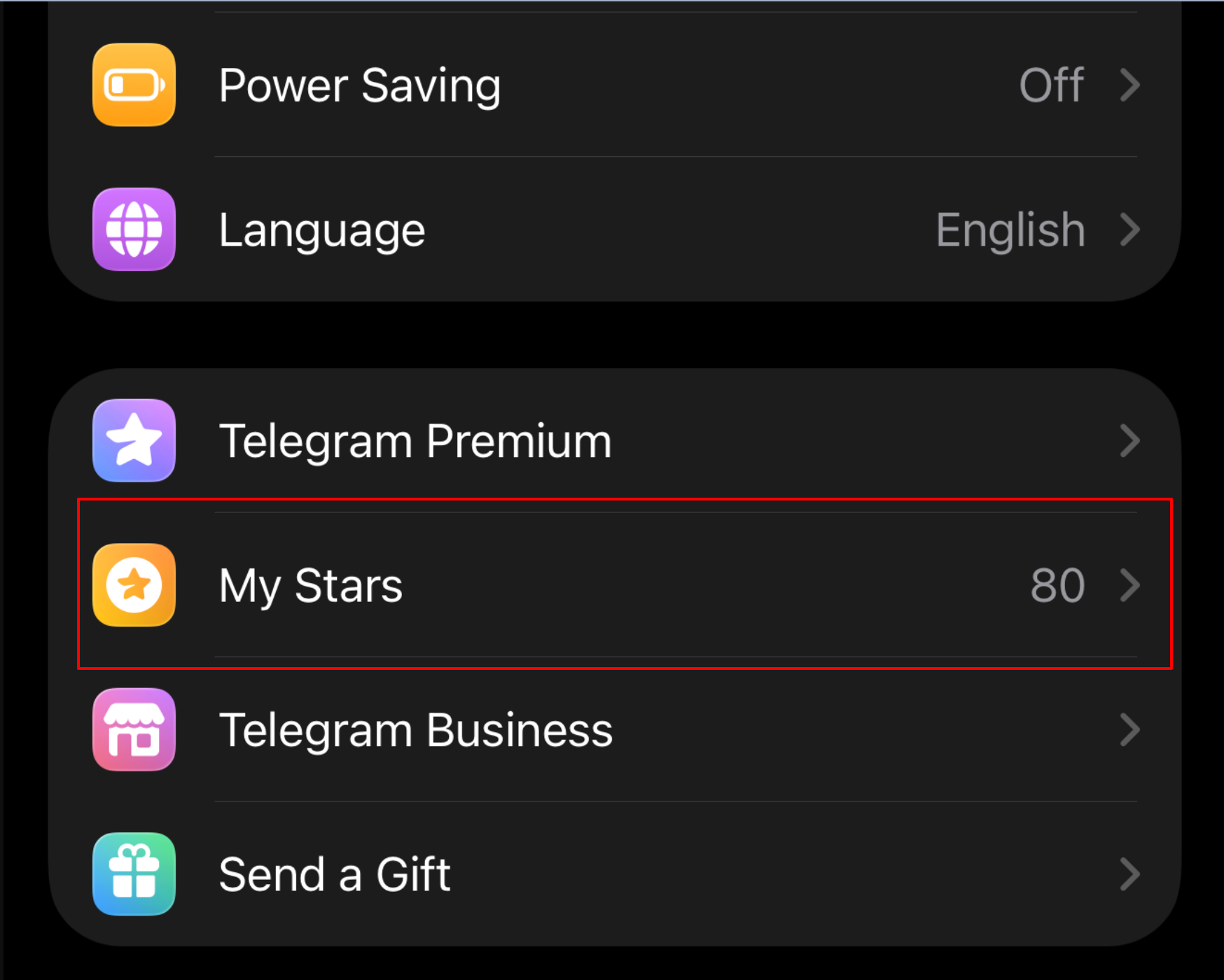
- Open your Stars balance in Telegram: Settings → My Profile → Stars and Gifts
- If the Stars are on your balance — go back to the bot and tap any package again. The Stars will be automatically exchanged for credits.
- If there are no Stars either — the payment is still processing, wait up to 5 minutes
If nothing appears after 5 minutes — contact support - @udlsupport_bot Your money will not be lost.